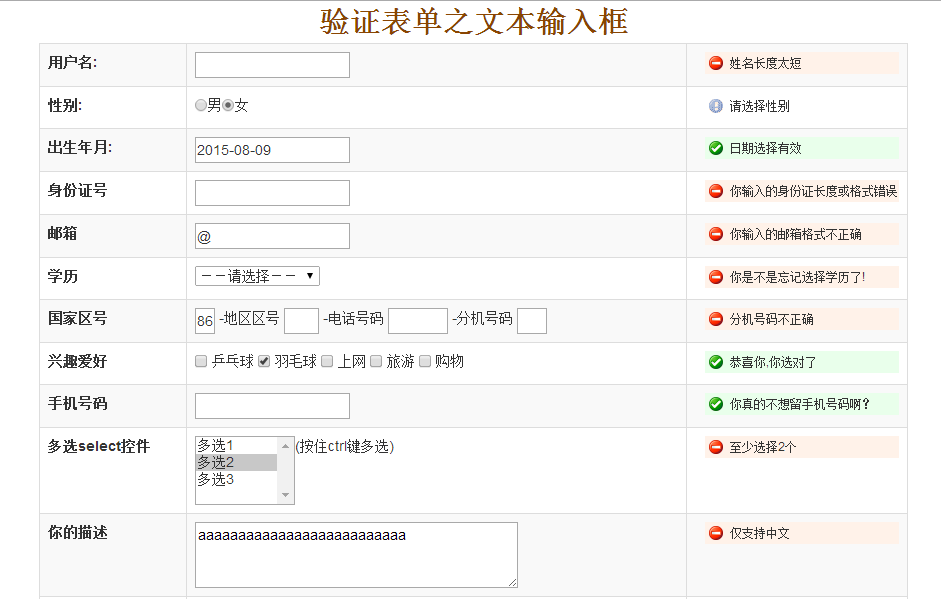

举了7个不同的checkbox状态,和大家一一分享。
1、全选
$(“#btn1”).click(function(){
$(“input[name=checkbox]”).attr(“checked”,”true”);
})
2、取消全选(全不选)
$(“#btn2”).click(function(){
$(“input[name=checkbox]”).removeAttr(“checked”);
})
3、选中所有奇数
$(“#btn3”).click(function(){
$(“input[name=checkbox]:odd”).attr(“checked”,”true”);
})
4、选中所有偶数
$(“#btn6”).click(function(){
$(“input[name=checkbox]:even”).attr(“checked”,”true”);
})
5、反选
$(“#btn4”).click(function(){
$(“input[name=checkbox]”).each(function(){
if($(this).attr(“checked”))
{
$(this).removeAttr(“checked”);
}
else
{
$(this).attr(“checked”,”true”);
}
})
})
或者
$(“#invert”).click(function(){
$(“#ruleMessage [name=delModuleID]:checkbox”).each(function(i,o){
$(o).attr(“checked”,!$(o).attr(“checked”));
});
});
6、获取选择项的值
var aa=””;
$(“#btn5”).click(function(){
$(“input[name=checkbox]:checkbox:checked”).each(function(){
aa =$(this).val()
})
document.write(aa);
})
})
7、遍历选中项
$(“input[type=checkbox][checked]”).each(function(){
//由于复选框一般选中的是多个,所以可以循环输出
alert($(this).val());
});
下面实例讲述了jquery实现全选、反选、获得所有选中的checkbox。分享给大家供大家参考。具体如下:
运行效果截图如下:

具体代码如下:
© 版权声明
文章版权归作者所有,未经允许请勿转载。
相关文章





暂无评论...